Importing SVGs Dynamically
This section shows how to load SVGs at runtime from a string or a file and use them in game.
From a File
The following code can be used to load and parse a SVG into a USVGDocument.
Using UObject based API
#include "SVG/SVG.h"
#include "Misc/Paths.h" /* For FPaths */
// Tries to load the SVG.
USVGDocument* const Document = USVGDocument::LoadFromFile(FPaths::ProjectDir() / TEXT("MySVG.svg"));
if (Document)
{
    // We loaded the SVG.
}
Without UObject
#include "SVG/SVGNative.h"
#include "Misc/Paths.h" /* For FPaths */
// Tries to load the SVG.
TUniquePtr<FSVGDocument> Document = FSVGDocument::LoadFromFile(FPaths::ProjectDir() / TEXT("MySVG.svg"));
if (Document)
{
    // We loaded the SVG.
}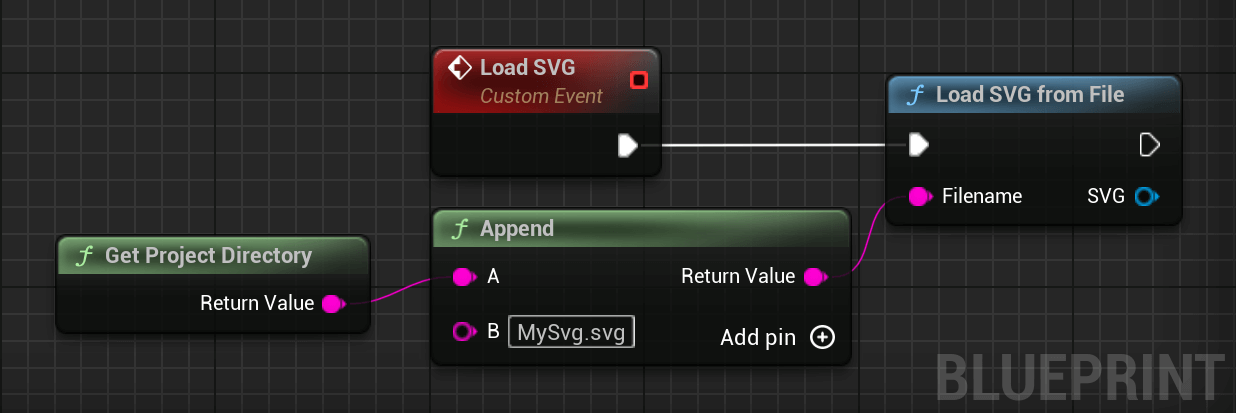
The file must be accessible through the platform native filesystem. If you have trouble loading the file, load it through the Unreal Engine filesystem (UFS) and load the SVG as string directly as shown below.
From a String
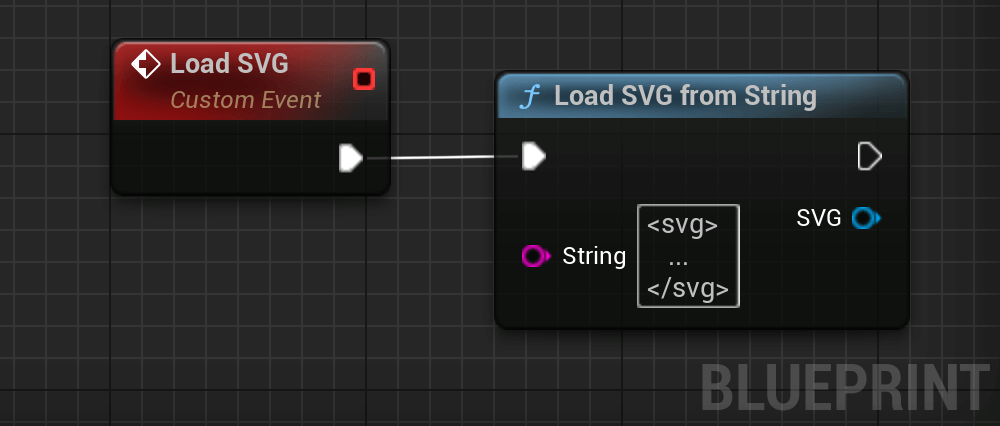
SVGs can be directly parsed from a string. The following code shows how to do that.
Using UObject based API
#include "SVG/SVG.h"
// Tries to load the SVG.
USVGDocument* const Document = USVGDocument::LoadFromString(TEXT("<svg>..."));
if (Document)
{
    // We loaded the SVG.
}
Without UObject
#include "SVG/SVGNative.h"
// Tries to load the SVG.
TUniquePtr<FSVGDocument> Document = FSVGDocument::LoadFromString("<svg>...");
if (Document)
{
    // We loaded the SVG.
}
Rendering to a Texture
A SVG document loaded from one of the two previous steps can be rendered by calling Render to Texture. The following code shows how to use it.
UTexture2D* Texture = Document->RenderToTexture(1024, 1024, FLinearColor::Transparent);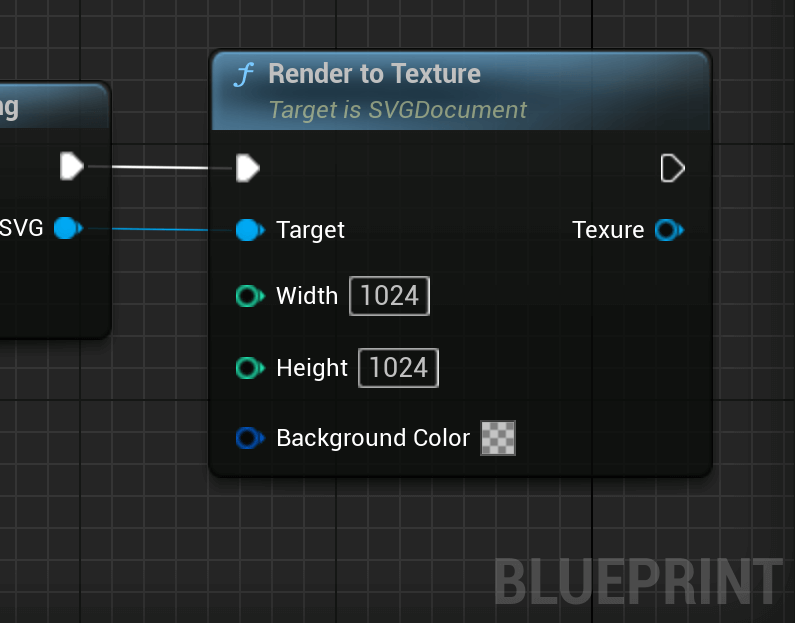
If you plan on rendering the SVG again at different sizes, you should cache the SVG document to avoid the cost of parsing the SVG data.
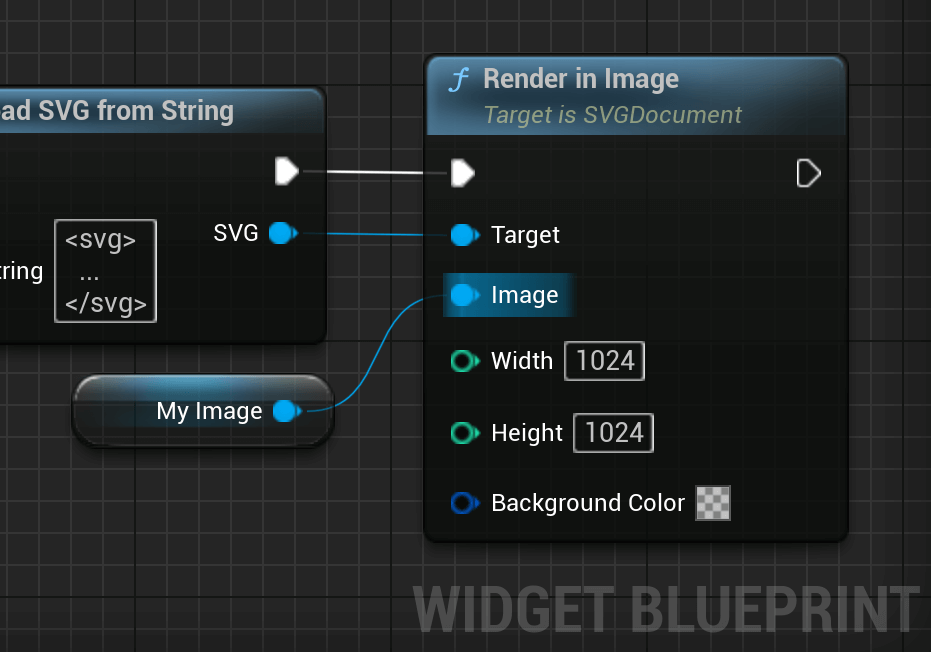
Assigning to an Image
The SVG can also be assigned directly to an image. It is the same as manually rendering to a texture and setting the brush of the image to use the texture.
// The image we want to render the SVG into.
UImage* MyImage = ...;
// We set the texture previously rendered.
MyImage->SetBrushFromTexture(Texture);
Rendering to a Material
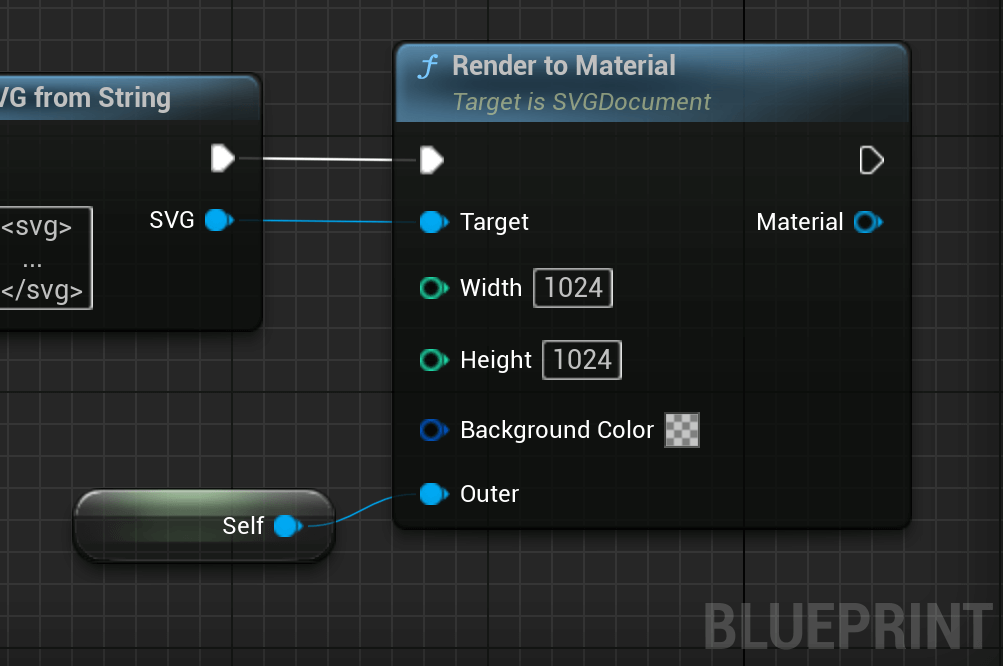
The document can also be rendered to a material. The material can then be applied to a mesh to render it in the world. The following code shows how to render to a material.
UMaterialInstanceDynamic* Material = Document->RenderToMaterial(1024, 1024, FLinearColor::Transparent, GetTransientPackage());